Bring Your Own Articles
Paste a URL, import a PDF, or drop in text. Read news, blogs, research, newsletters, work documents - whatever you would read anyway, now with bilingual support.
Bilingual reading is one of the fastest ways to get through hard English content without giving up on the original text. Instead of translating an entire article into your language and reading that, you read the real English in front of you and call up a translation or explanation only where you need it. You stay close to the source, you keep moving, and you actually learn from what you read. ClaviSay is an AI Language Learning Assistant built for exactly this. You bring a real article - webpage, a PDF, pasted text, anything you actually want to read - and read it in a two-column bilingual view.
Import - Read - Explain - Save - Review
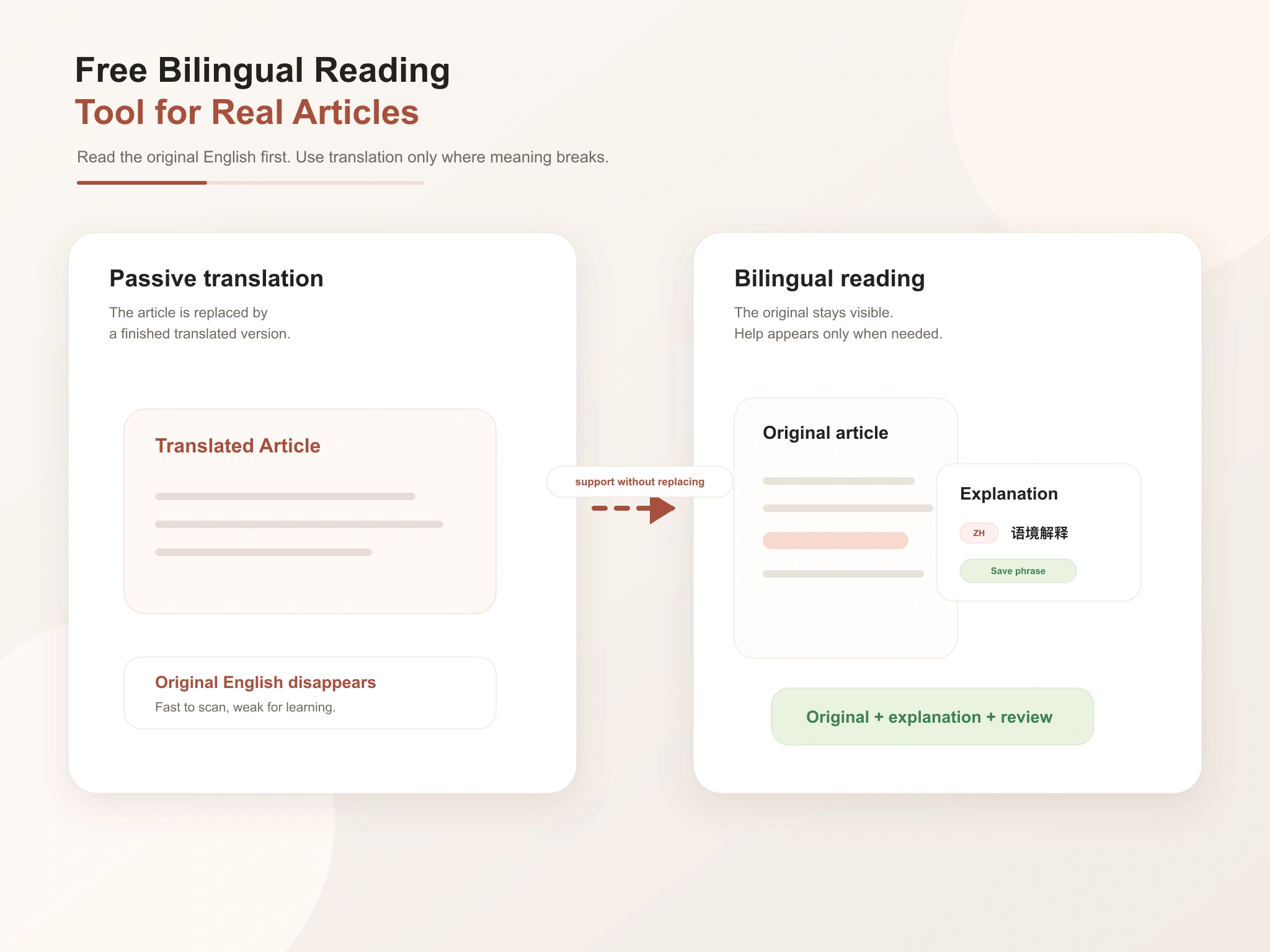
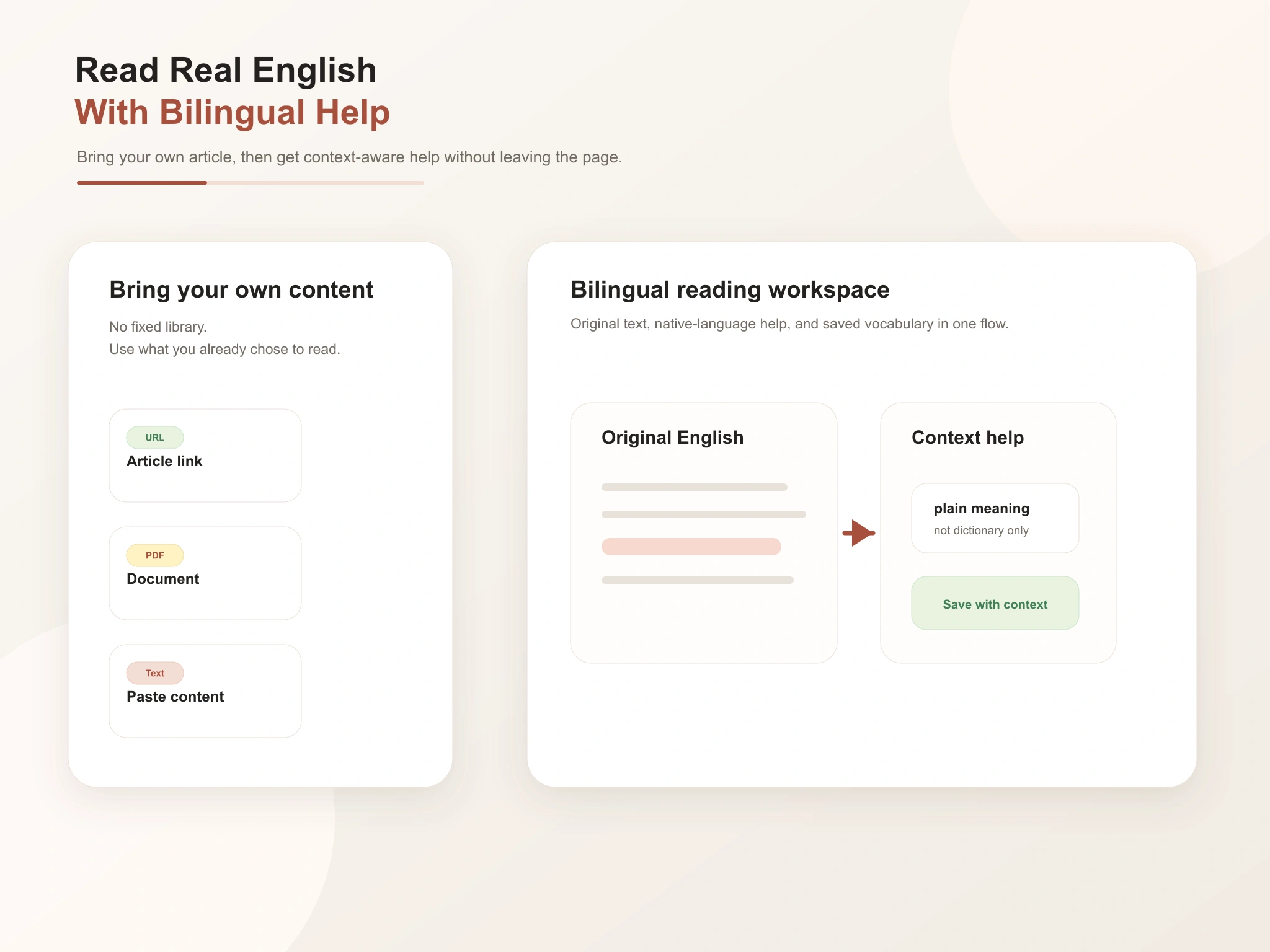
Most bilingual reading apps hand you a fixed library of pre-translated articles and call it a day. That helps for a while, but it disconnects you from the content you actually care about. ClaviSay does the opposite. Rather than give you articles to read, it helps you read the articles you already chose. Paste a link, drop in a PDF, or import text, and you are reading it bilingually within seconds.
Bilingual reading means reading a text in its original language while using your own language to help you understand it. In practice it usually looks like a side-by-side or interlinear layout, an inline explanation when you tap a word, and a sentence-level translation when an entire line is unclear. For a deeper look at the concept, see our guide What Is Bilingual Reading.
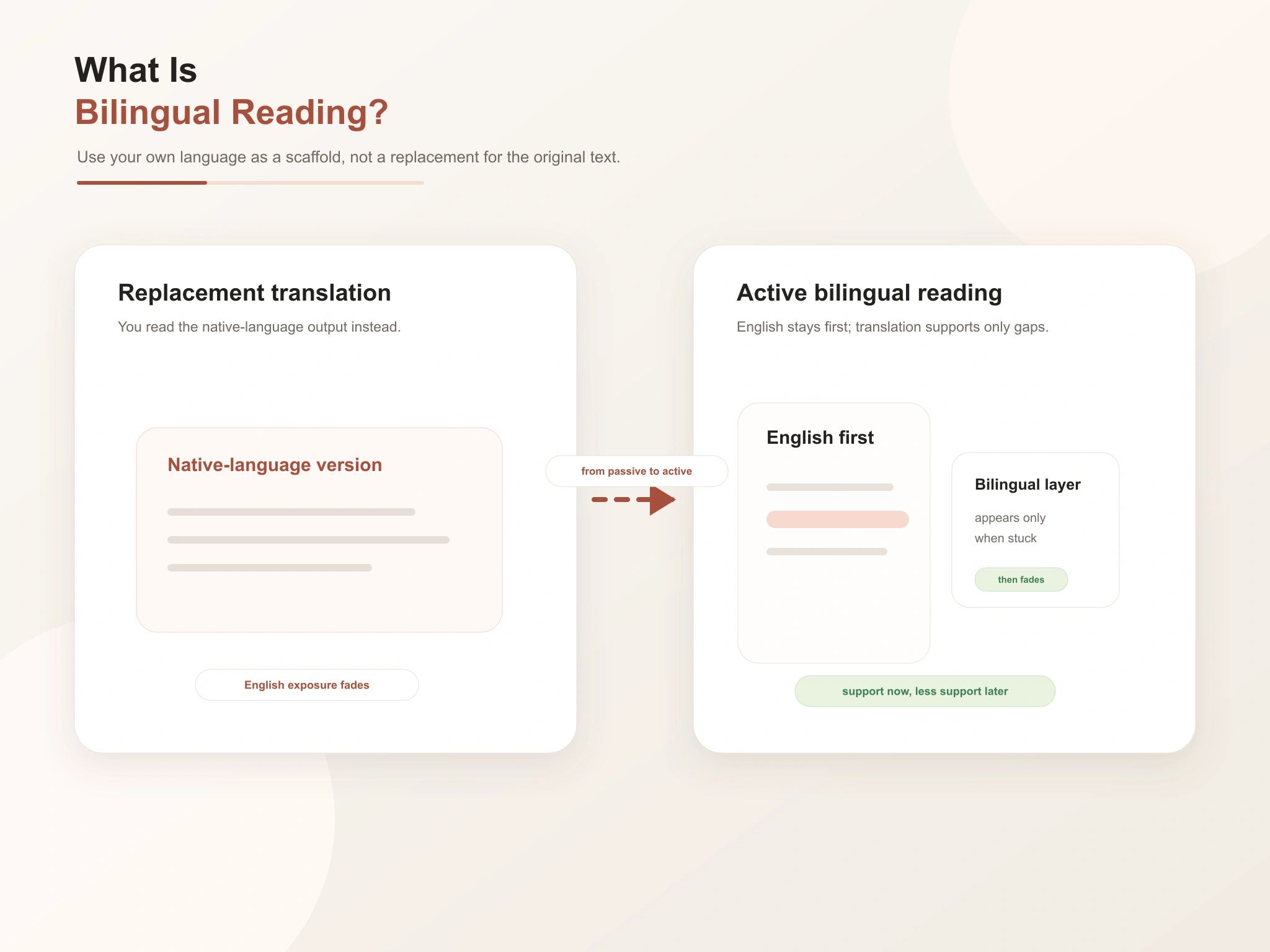
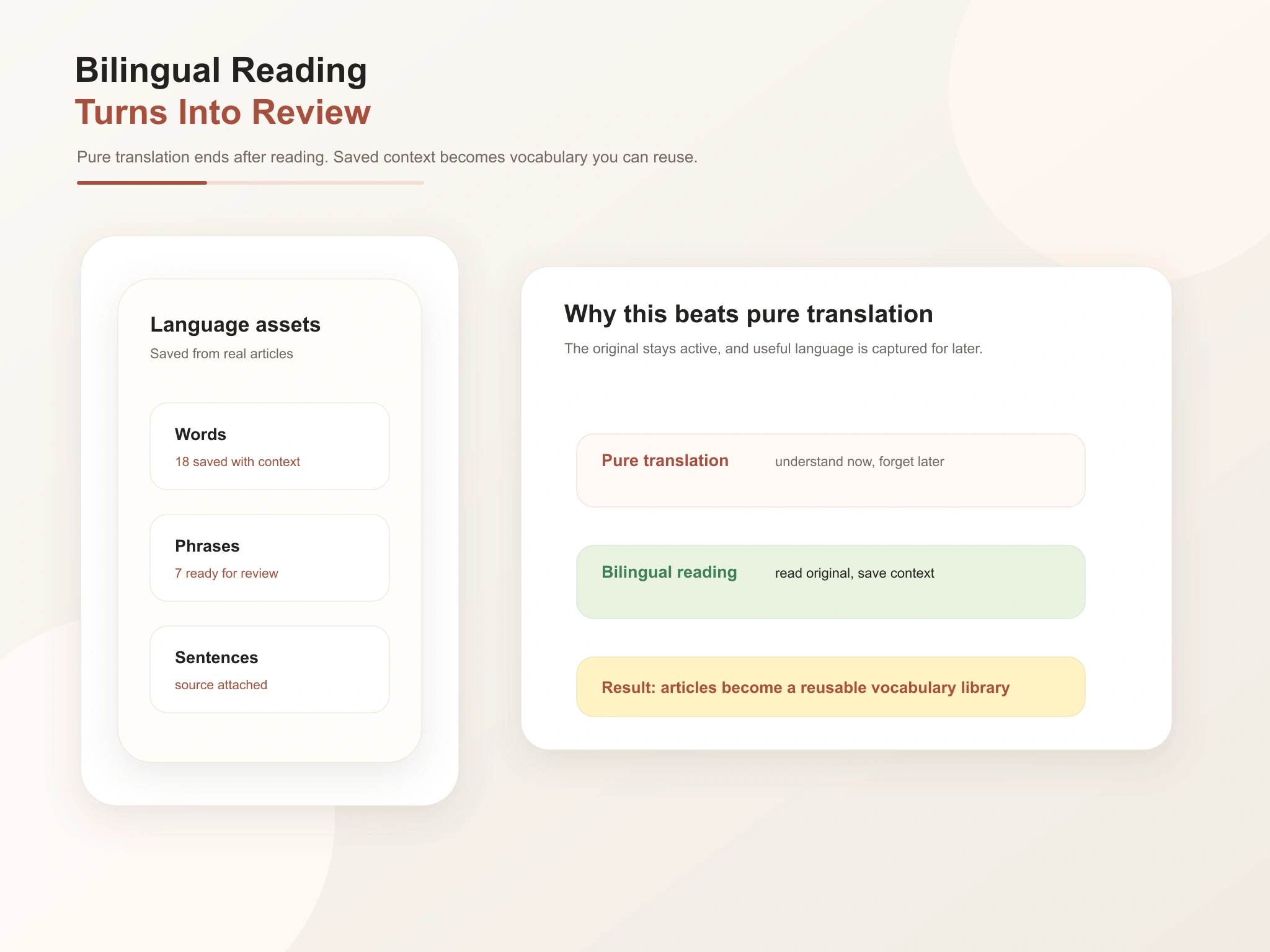
Pure translation asks you to read a finished version in your own language. It is fast, but it teaches you almost nothing. Bilingual reading keeps the original in the foreground and the translation in the background. You do the work of reading; the second language is a scaffold you can lean on or ignore.
Plenty of people read English articles every week and learn nothing from it. You stop at every unfamiliar word, open a dictionary, and lose the thread of the sentence. You jump between the article, a translation tool, and a notes app. You understand a word in the moment, but because you never save it, it is gone by the next day. A bilingual reading tool removes each of these at once.
The tool is built for reading real articles, not for serving you a pre-baked bilingual library.
Paste a URL, import a PDF, or drop in text. Read news, blogs, research, newsletters, work documents - whatever you would read anyway, now with bilingual support.
Tap a word or sentence and get a plain explanation grounded in the surrounding context, in your language.
Pull up a sentence- or passage-level bilingual view whenever a full line does not make sense, then drop back to the original.
Every saved word keeps the original sentence and source. You learn language the way you met it, which makes it far easier to remember and reuse.
Saved vocabulary feeds into AI-powered review activities, so the time you spend reading keeps producing vocabulary that stays with you.
Continue the same article on the web, in the browser sidebar while you browse, or on mobile - your place, highlights, and saved words travel with you.
Getting from an article to your first saved word takes less than a minute.
Paste an article link, import a PDF, or drop in text. Anything you actually want to read works.
Read the original. When something slows you down, tap a word or sentence for a context-aware explanation in your language, without leaving the page.
When a word or expression is worth keeping, save it. It lands in your vocabulary library with the original sentence attached.
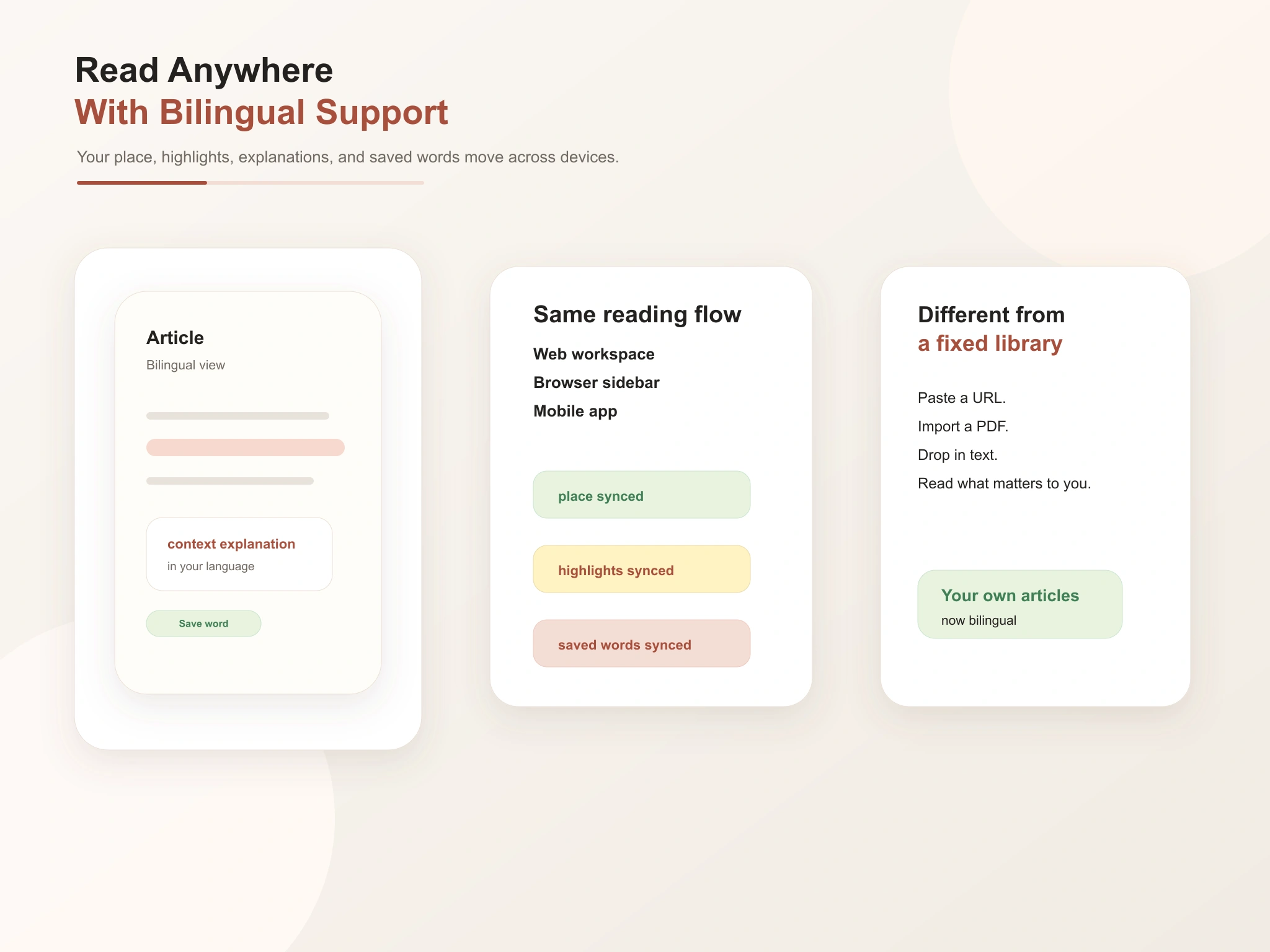
Read the English you actually care about. Get a translation or explanation exactly where you get stuck, keep moving, and save the vocabulary worth keeping - all without leaving the original article.
I used to paste articles into a translator and read the result. With bilingual reading I finally read the English itself, and the explanations are there exactly when I need them.
I read industry news in English every morning. Having a bilingual view that lets me tap a sentence and understand it in place has completely changed the habit.
The reason I stuck with it is that I can read what I want, not what an app decides I should read. Saving words with the original sentence makes them come back during review.
Bilingual reading means reading a text in its original language while using your own language to help you understand it.
No. Translation replaces the original with a version in your language. Bilingual reading keeps the original and uses your language as support.
You read your own. Paste a link, import a PDF, or drop in text.
Both. You can tap a word for an explanation, or pull up sentence- or passage-level support when an entire line is unclear.
Yes. Any word or expression worth keeping can be saved in one tap, together with the original sentence and source.
Yes. You can read on the web, keep going in the browser sidebar, and pick up the same article on mobile.