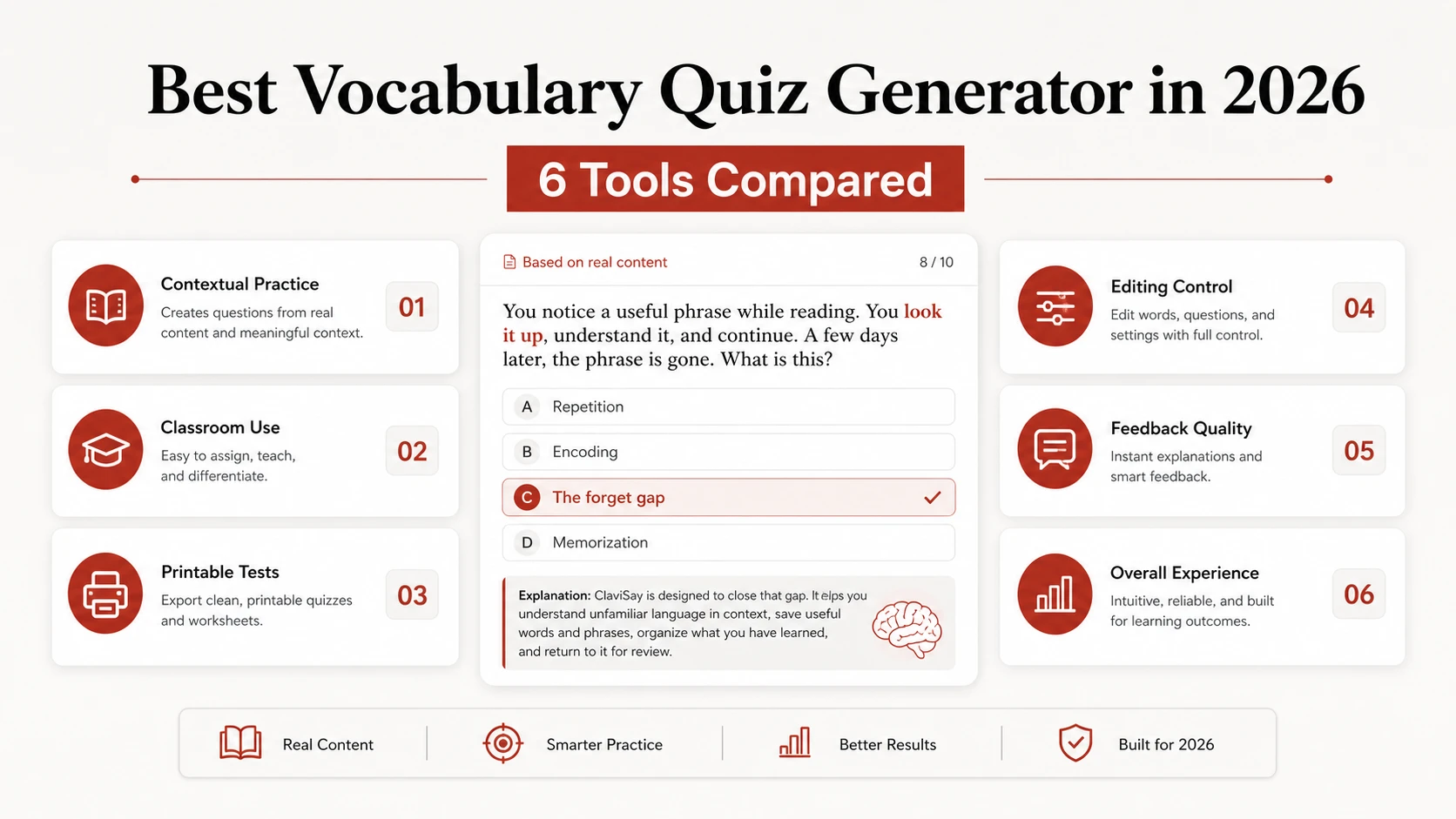
Building a vocabulary quiz used to mean typing definitions, inventing distractors, formatting answer sheets, and checking everything twice. In 2026, a generator can do most of that in a few minutes. The harder question is whether the resulting quiz is actually worth taking.
Some tools are excellent at turning notes into conventional test questions. Others make lively classroom games. A few are designed around vocabulary itself, including context clues, word forms, and repeated review. The best vocabulary quiz generator in 2026 therefore depends less on how quickly it produces questions and more on what you want learners to do with the words.
This guide compares six practical options using the same criteria: source material, question quality, editing control, feedback, classroom use, and the kind of learning each tool encourages.
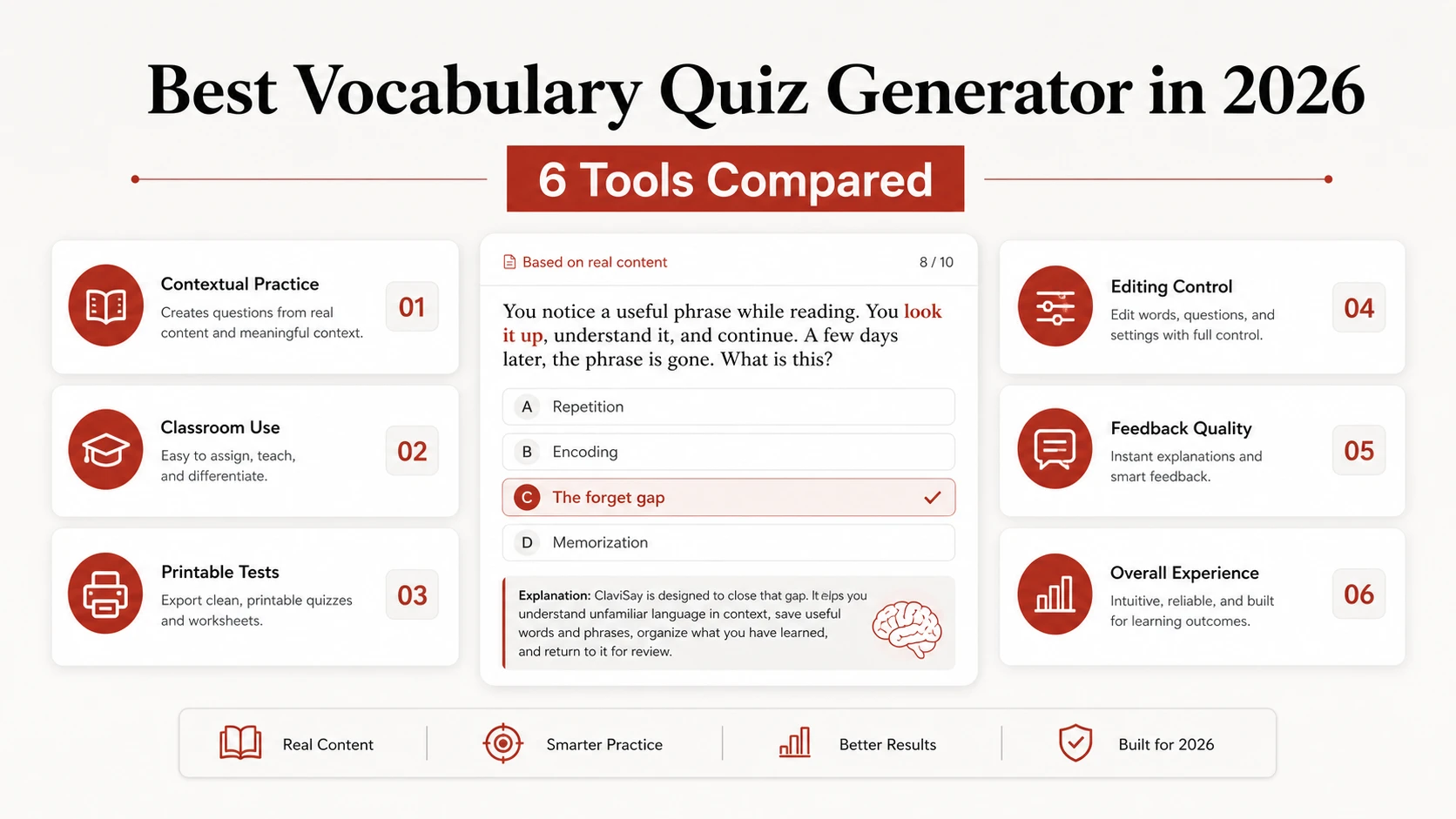
Quick Comparison
Features change, so confirm current limits and pricing on each product’s official site before committing to a paid plan.
What Makes a Vocabulary Quiz Generator Good?
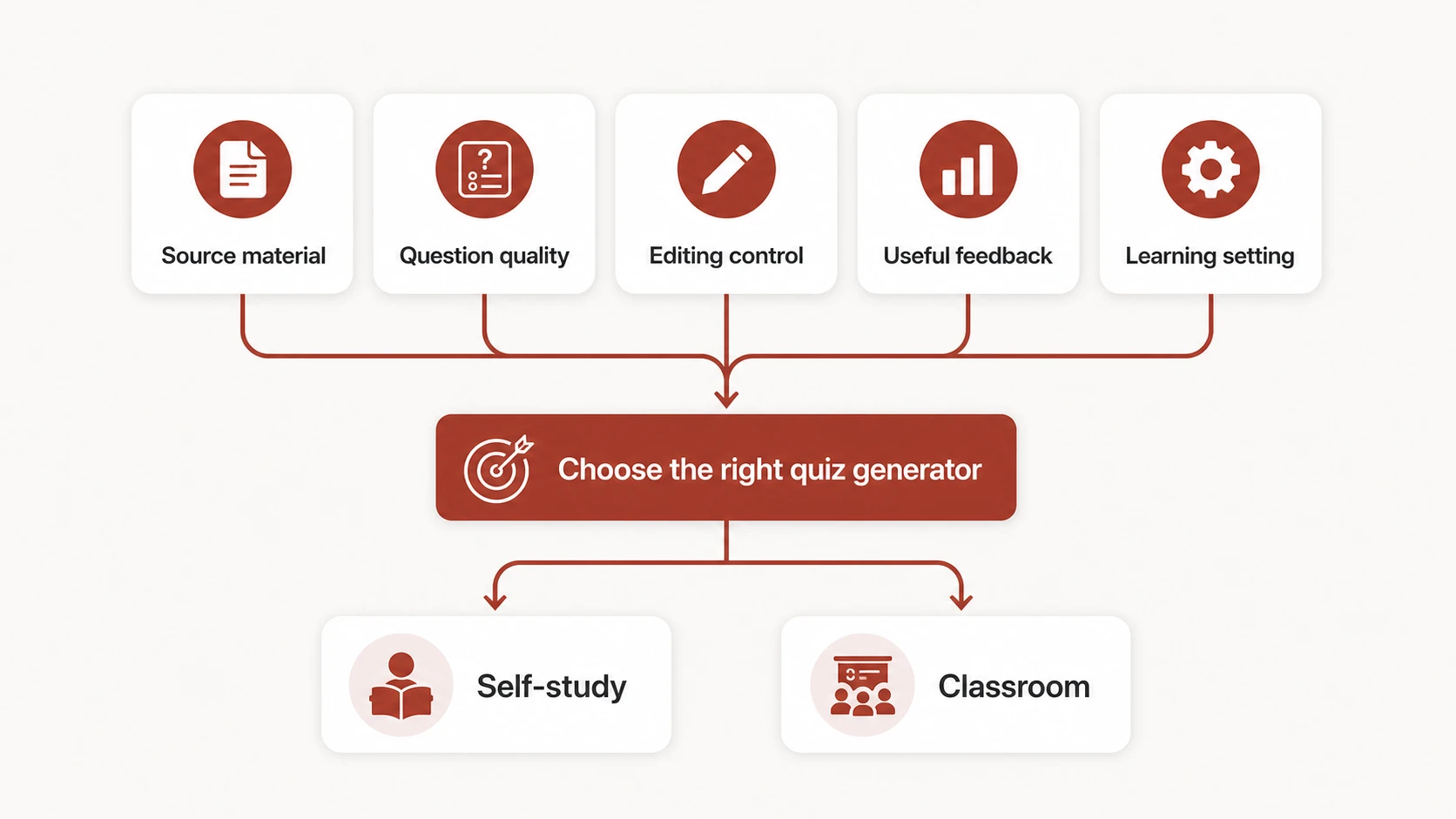
A general quiz tool can ask what a word means. A good vocabulary quiz generator should also test whether a learner can recognize and use that word in context. Before choosing a tool, look for five things.
Questions that go beyond definition matching
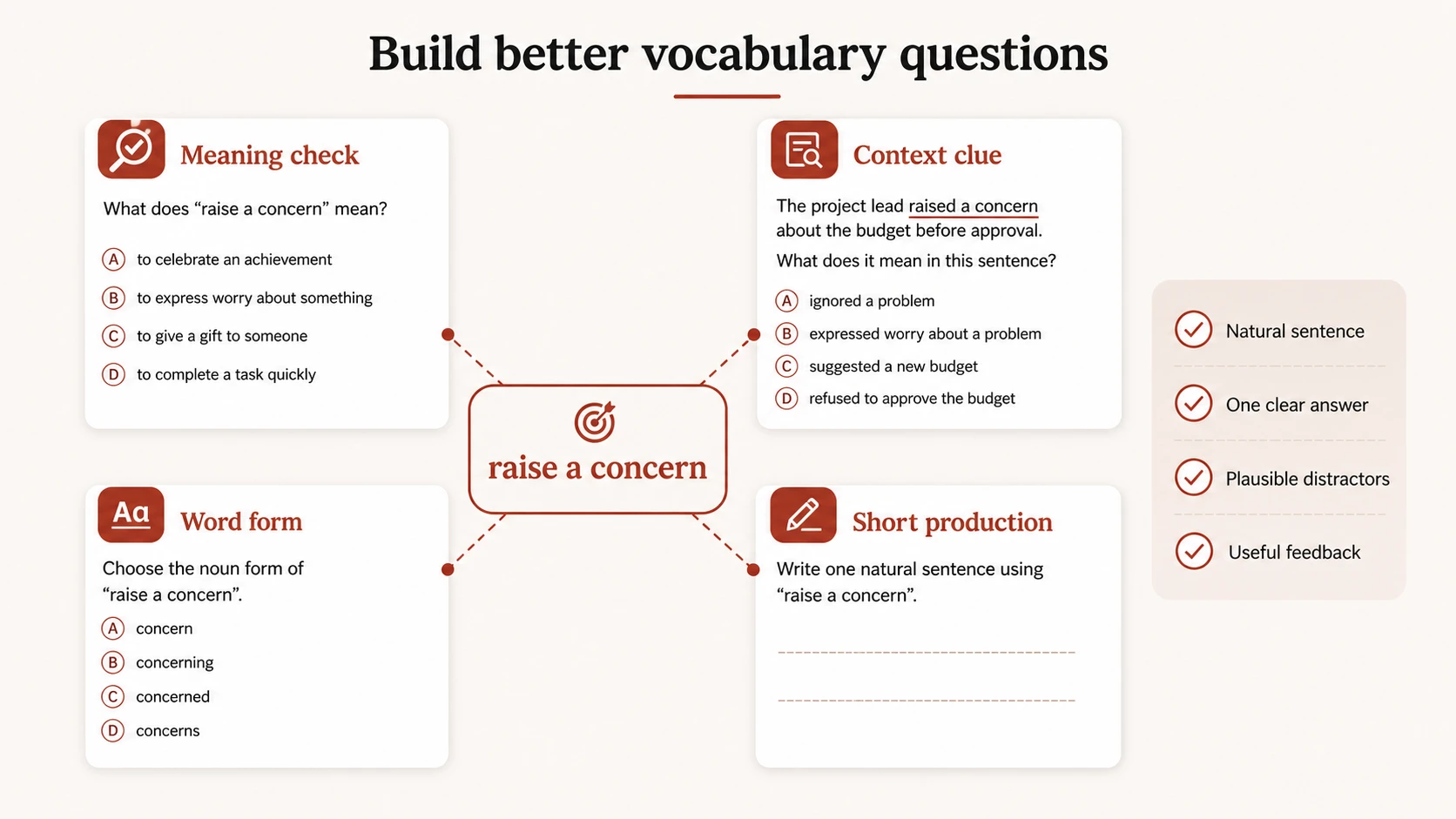
Definitions are useful for an initial check, but they are easy to guess and easy to forget. Stronger quizzes also use sentence completion, context clues, collocations, word forms, and short production prompts.
Control over the source material
The quiz should reflect the article, lesson, PDF, or word list the learner actually studied. A generator that quietly adds unrelated terms may create more questions, but not necessarily better practice.
Editable output
AI-generated distractors can be ambiguous. Example sentences can sound unnatural. Teachers and learners need to be able to edit a question before assigning or trusting it.
Useful feedback
A score says how many answers were correct. Better feedback helps explain why an answer was wrong and what to review next.
A workflow you will repeat
The cleverest tool is not useful if importing material takes longer than writing the quiz yourself. The best choice fits naturally between reading, saving vocabulary, practicing, and reviewing.
ClaviSay: Best for Vocabulary from Real Reading and Watching
ClaviSay is the strongest fit when vocabulary begins in an article, PDF, webpage, or video rather than in a prewritten word list. The important difference is context: learners can keep the sentence or passage that made a word worth saving, then use that material for later practice.
That makes it useful for people learning English through work documents, news, research, or content they genuinely care about. Instead of testing random “advanced words,” practice can stay attached to recent reading and a personal vocabulary library. Choose it when your goal is retention and usable vocabulary rather than a one-off class game. If you mainly need a projected leaderboard for thirty students, a classroom platform will be a better fit.
Quizlet: Best All-Rounder for Familiar Study Sets
Quizlet remains an accessible choice for students who already think in terms of sets and flashcards. Its AI practice test tool can generate multiple-choice and written questions from notes, readings, slides, and uploaded files, and learners can review results afterward.
Its advantage is familiarity: many students already know how sets, tests, and review modes work. It is a sensible general-purpose option for exam preparation and teacher-provided vocabulary. The trade-off is that a set can still become a stack of term-definition pairs. To improve learning quality, include phrases and example sentences rather than importing bare words alone.
Kahoot!: Best for Live Classroom Energy
Kahoot! is built for the moment when a teacher wants the room to wake up. Learners join, answer on their devices, and see the class move through questions together.
For vocabulary, it works well for quick reviews, warm-ups, and low-stakes checks. Images and short prompts can make concrete vocabulary memorable. It is less convincing for subtle context questions, because countdowns and competition encourage fast recognition rather than careful production. Use it as one part of a lesson, not as the entire vocabulary system.
Wordwall: Best for Reusing One Vocabulary Set
Wordwall is useful when a teacher wants several activities from the same content. A vocabulary set can be adapted into matching, sorting, quiz, or game-like templates without rebuilding everything from scratch.
This variety is particularly helpful with younger learners and mixed-attention classrooms. One week’s words can appear first as matching practice and later as a retrieval activity. The quality still depends on the input. A playful template cannot repair vague definitions or poorly chosen examples, so teachers should refine the language before switching formats.
Quizizz: Best for Assigned and Self-Paced Class Practice
Quizizz is a practical middle ground between live games and independent assignments. Teachers can run a session together or let students complete work at their own pace, then use reports to see which questions caused difficulty.
That flexibility helps with homework, station work, and classes where students move at different speeds. For vocabulary, reports can reveal whether the whole class misunderstands a word or whether a distractor is simply confusing. As with any generated assessment, review every question. A grammatically possible distractor can create a misleading “wrong” answer.
QuizCraft: Best for Fast Printable Vocabulary Tests
QuizCraft is designed around a direct teacher workflow: paste terms and definitions, choose matching, fill-in-the-blank, or multiple choice, then print the quiz and answer key. That simplicity is valuable when the real requirement is a paper test for Friday morning.
It is not trying to be a complete learning environment. Choose it for clean printable output and quick classroom logistics. Pair it with contextual practice if you want students to do more than memorize definitions.
Which Tool Should You Choose?
Choose according to the learning moment:
- For vocabulary collected from real articles, PDFs, webpages, and videos, use ClaviSay.
- For established study sets and exam-style practice, use Quizlet.
- For a live whole-class review, use Kahoot!.
- For several activity formats from one set, use Wordwall.
- For assigned practice and class reporting, use Quizizz.
- For a printable test and answer key, use QuizCraft.
The best vocabulary quiz generator in 2026 is the one that removes preparation work without removing judgment. Generation should be the first draft of a quiz, not the final authority.
How to Get Better Questions from Any Generator
Start with better input. Include the target word, the meaning relevant to your lesson, one natural example, and the level of the learner. If a word has several meanings, specify which one you want to test. Mix recognition with retrieval. A balanced ten-question quiz might include three meaning checks, three contextual sentence questions, two word-form questions, and two short production prompts. Then inspect the distractors. Each wrong option should be plausible enough to test knowledge but clearly wrong in context. Delete choices that are silly, grammatically impossible, or arguably correct. Finally, do not confuse a difficult question with a useful question. Rare synonyms and deliberately tricky wording may lower scores without improving vocabulary.
For a deeper approach to making words reusable, read what is generative vocabulary and how to learn vocabulary in context. A broader vocabulary builder can also help connect capture, practice, and review.
Frequently Asked Questions
What is the best vocabulary quiz generator in 2026 for students?
For self-study based on real reading, ClaviSay is a strong fit. Quizlet is useful for traditional sets and exam-style practice. The best choice depends on whether you want contextual retention or conventional test preparation.
What is the best free vocabulary quiz generator?
Several tools offer free access with limits, but allowances change. Compare the current free plan, export options, question caps, and whether students need accounts before building a long-term workflow around one tool.
Can AI generate a reliable vocabulary test?
It can generate a useful draft, but a human should check definitions, answer keys, level, sentence naturalness, and ambiguous distractors before the quiz is assigned.
How many questions should a vocabulary quiz include?
For regular review, 8-15 focused questions are often more useful than a long test. Cumulative assessments can be longer, but should sample different words and different kinds of knowledge.
Final Verdict
There is no universal winner. Classroom games, printable tests, study sets, and context-based personal practice solve different problems. Decide first whether you need engagement, assessment, or lasting retrieval. Then choose the generator that supports that outcome with the least unnecessary setup.