Search “how to translate a PDF” and you get a wall of the same answer: upload the file, pick a language, download the result. It is fast, it is easy, and for a surprising number of tasks it is exactly wrong. The problem is not that full-document translation does not work. It is that it works for one job — producing a translated file — and quietly fails at the other job most people actually have: understanding a document well enough to use it, cite it, or learn from it.
This guide covers both. We will walk through how to translate a PDF the standard way when you just need the content, and how to translate it for reading, study, and work when the language itself is part of what you are trying to get out of the document. By the end you will know which approach fits your situation and how to avoid the most common mistake people make with PDF translation.
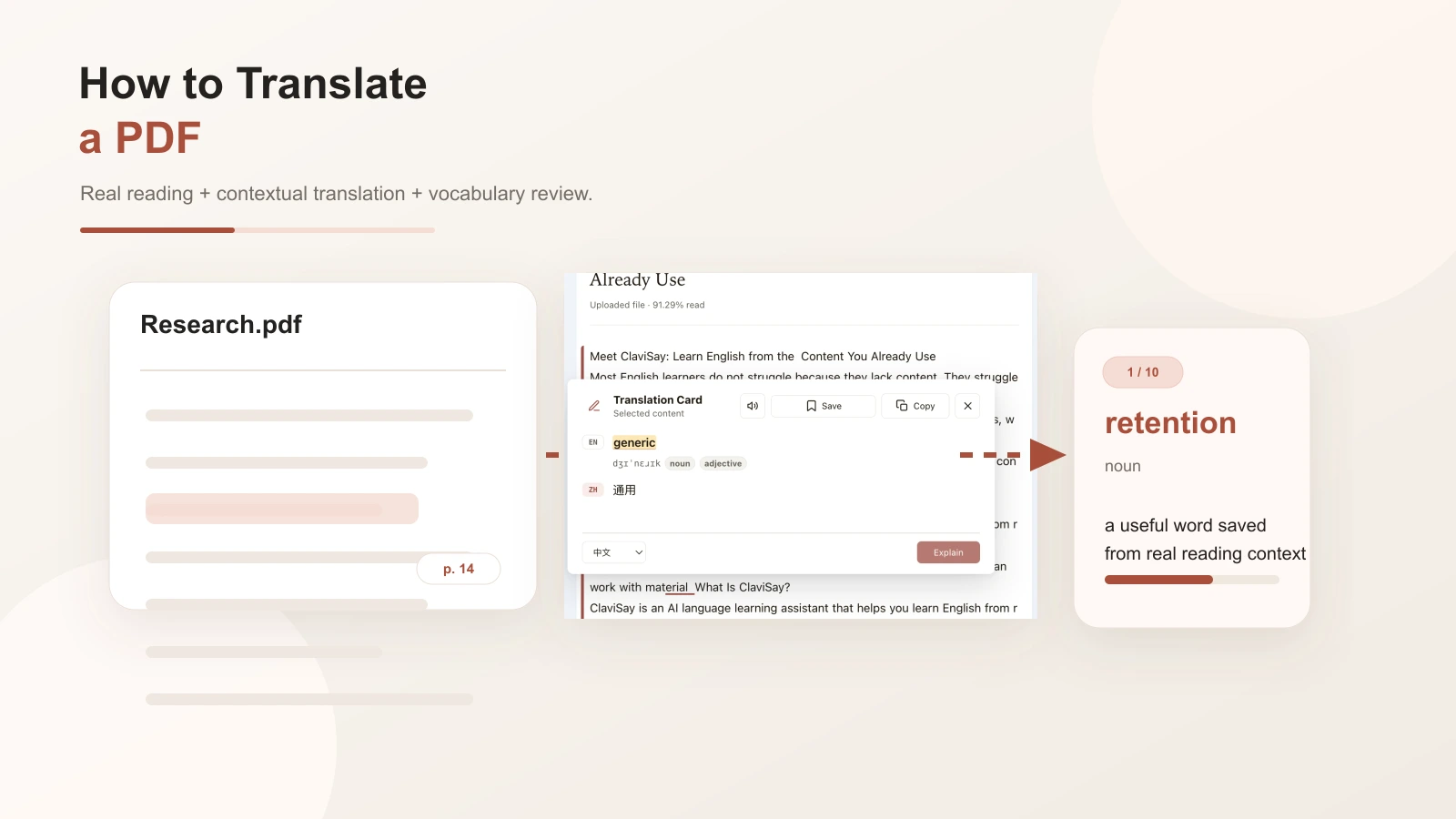
First, decide what you actually need
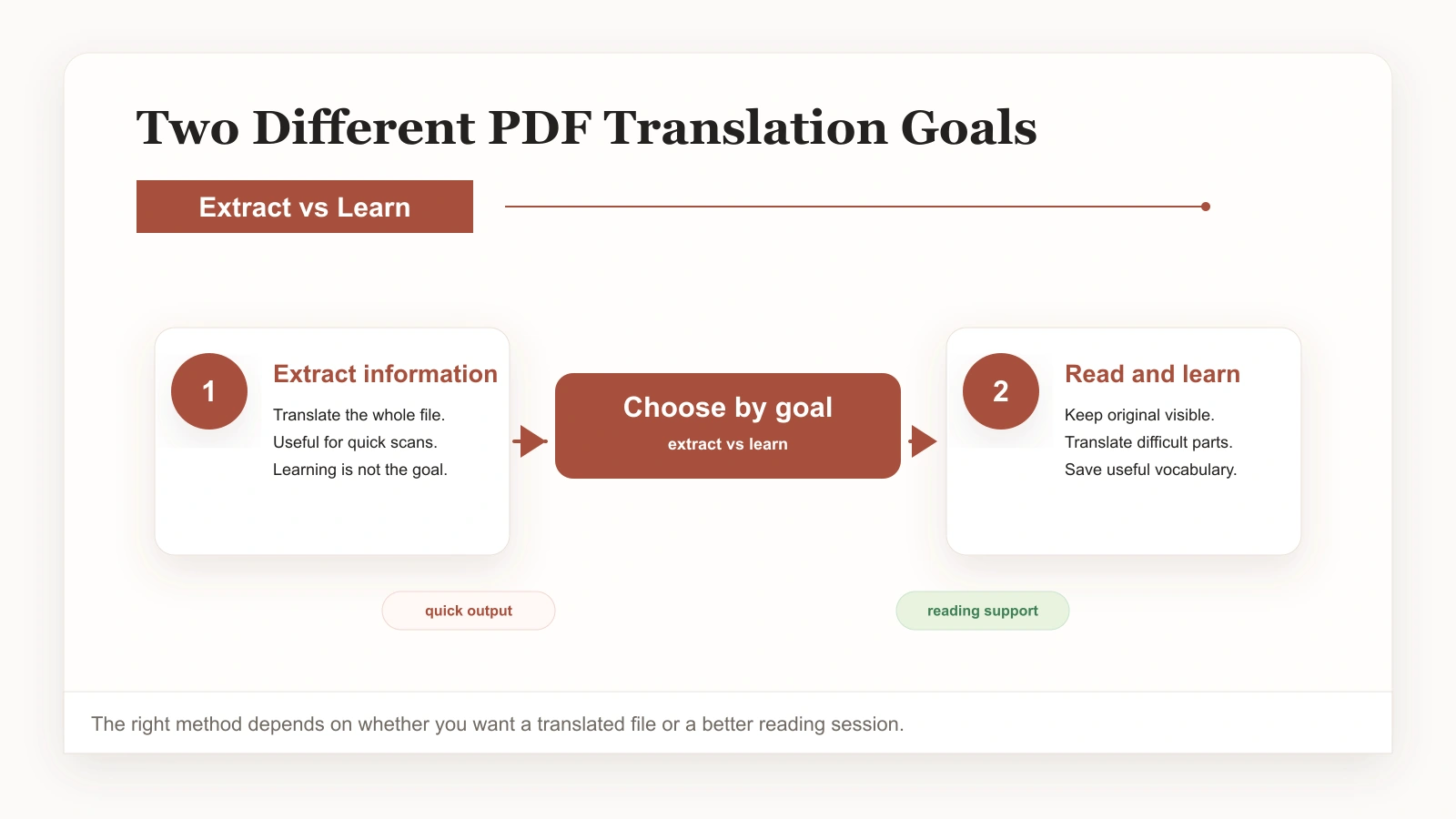
Before you touch a tool, get clear on the goal. PDF translation splits into two very different use cases, and mixing them up is what causes most of the frustration.
The first is pure extraction. You have a PDF in another language, you need the information, and you do not care about the original wording. A spec sheet, a one-off report, a notice you just need to understand once. Here, full-document translation is the right tool. Convert it, skim the result, move on.
The second is comprehension and learning. The PDF is something you will read carefully, return to, or build vocabulary from — a research paper, a textbook chapter, a manual for work, an industry report. Here the goal is not a translated file. It is real understanding of the original, with help where you need it. Full translation actively works against you here, because it hands you a replacement instead of helping you read the source.
Once you know which one you are in, the rest is straightforward. If you want a deeper take on the second case, our guide on how to translate a PDF while reading focuses on it in detail.
How to translate a PDF the standard way (full document)
If extraction is your goal, the standard approach is fine. The steps are simple.
Step 1: Choose a full-document translator
Pick a tool that accepts a PDF and returns a translated PDF or text. There are many; the differences are mostly in quality and how well they preserve layout.
Step 2: Upload and select the target language
Drop in the file and choose the language you want. Most tools auto-detect the source language.
Step 3: Translate and review the output
Run the translation and read through the result. Watch for sentences that come back garbled, especially in technical content, because full-document translation can misread structure and terminology. Cross-check anything important against the original.
That is it for the extraction path. Fast, useful, and exactly what you need when the language is not the point.
How to translate a PDF for reading, study, or work
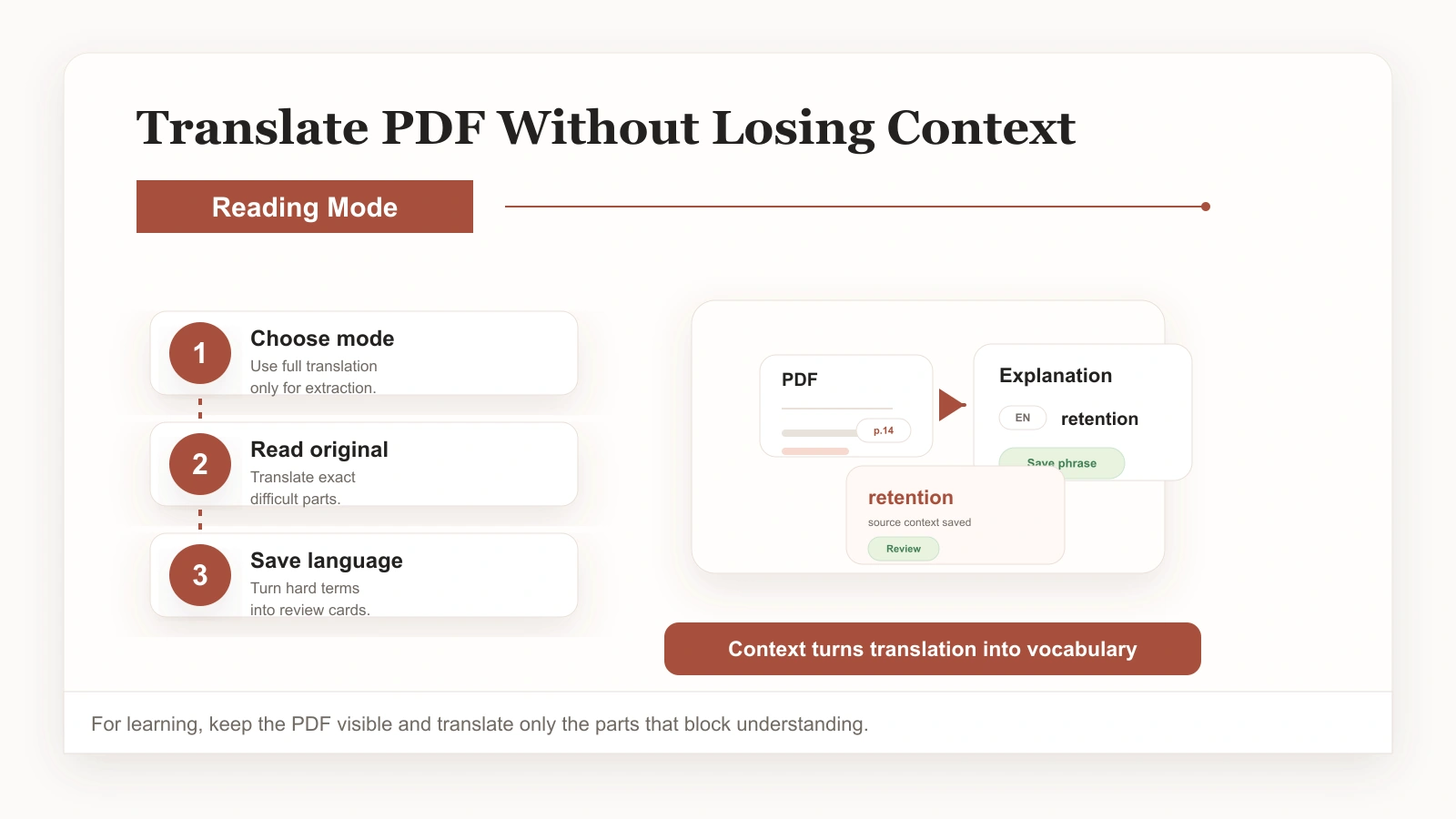
When comprehension is the goal, the workflow changes. You stop trying to convert the whole document and start translating on demand instead. Here is how to translate a PDF in a way that actually builds understanding.
Step 1: Open the PDF in a reading workspace
Bring the document into a reader that supports on-demand, in-context translation. The point is to read the original, so keep the source in front of you rather than converting it first.
Step 2: Read and translate only where you stop
Move through the text normally. When a word, sentence, or passage slows you down, select it and get a translation grounded in the surrounding context. Most of the time a sentence-level translation is enough; pull up a passage only for genuinely tangled sections.
Step 3: Save the language worth keeping
When you meet a word or expression you want to remember, save it with the original sentence attached. This is the step that turns reading into vocabulary, and it is the one most people skip. For a focused walkthrough, see how to translate words from a PDF and save them for review.
Why context is the whole game
The reason on-demand translation beats full translation for comprehension comes down to one word: context. A word in isolation is a definition you will forget. The same word inside a sentence you actually read, about a topic you care about, is something your brain holds onto. Full-document translation strips that context away by handing you a finished product. Reading-based translation preserves it, because the original is always there.
This matters most for specialized vocabulary. Academic papers, legal documents, and technical manuals are full of terms where the dictionary definition barely helps and the surrounding sentence is what makes the meaning click. If your goal is to learn how to translate a PDF in a way that leaves you with usable knowledge — not just a translated file — keeping the source in view is non-negotiable.
Common mistakes and how to avoid them
- Defaulting to full translation for everything. It is the right call for extraction and the wrong call for comprehension. Match the method to the goal.
- Reading only the translated output. If you never look at the original, you learn nothing and you cannot catch translation errors.
- Looking up words without saving them. You will forget most of what you look up within a day. Saving with the source sentence is what makes vocabulary stick.
- Translating entire passages when one sentence would do. Over-translating buries the parts worth learning and slows you down.
- Treating the translation as a permanent crutch. The aim is to need it less over time, not to depend on it forever.
Pick the method that fits the document
There is no single right way to translate a PDF. There is the right way for the job in front of you. When you just need the information, full-document translation is fast and sufficient. When the document is something you will read carefully, return to, or learn from, translate on demand, keep the original in view, and save the vocabulary worth keeping. Get that distinction right and PDFs stop being a wall and start being a resource.
If you want to try the reading-based approach, the PDF Translator is designed around exactly this, and you can revisit this guide on how to translate a PDF whenever you need a refresher. The wider ClaviSay reading workspace extends the same idea to articles and webpages.